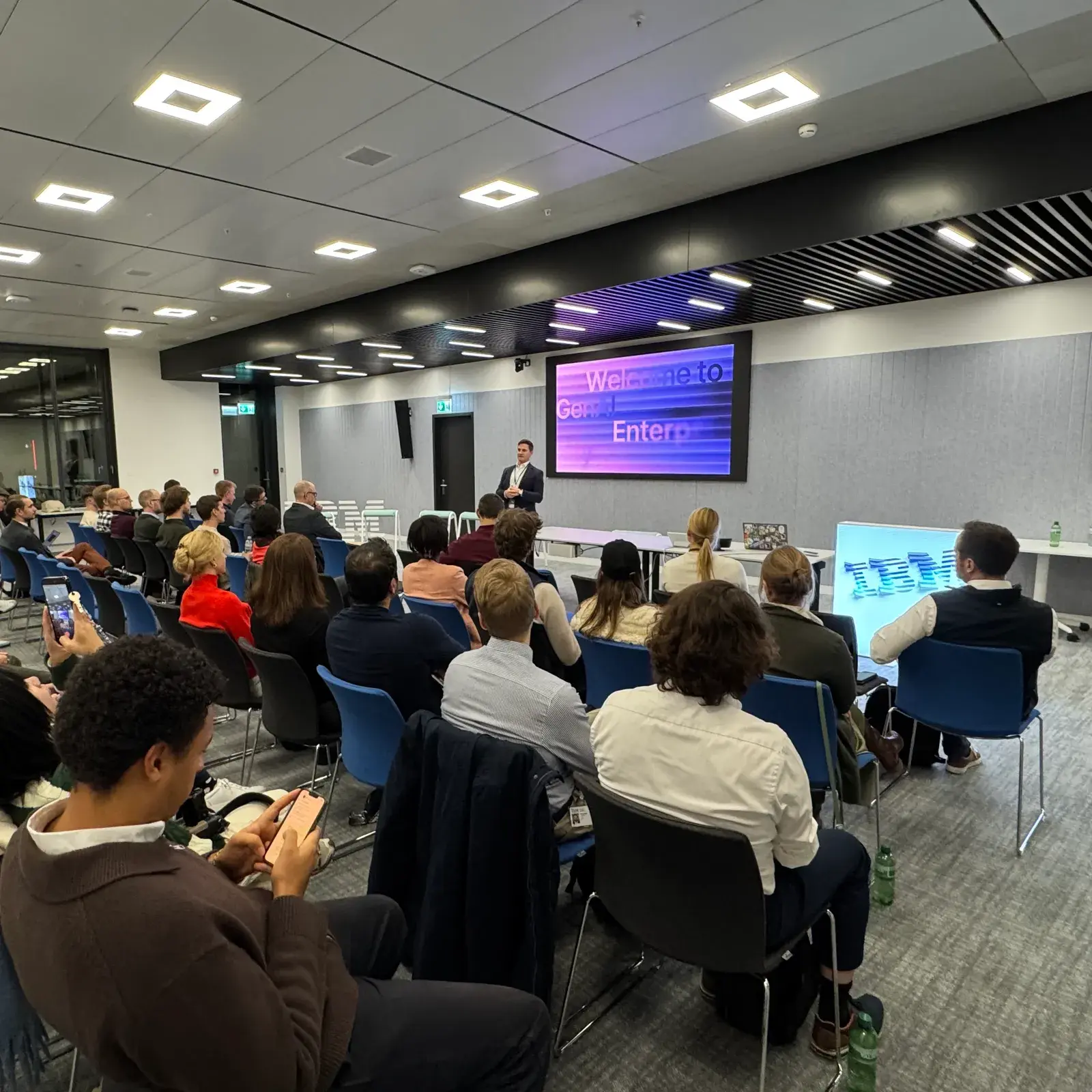
AI has made code cheap. It has not made software cheap: someone still has to design it, check it, secure it and run it.
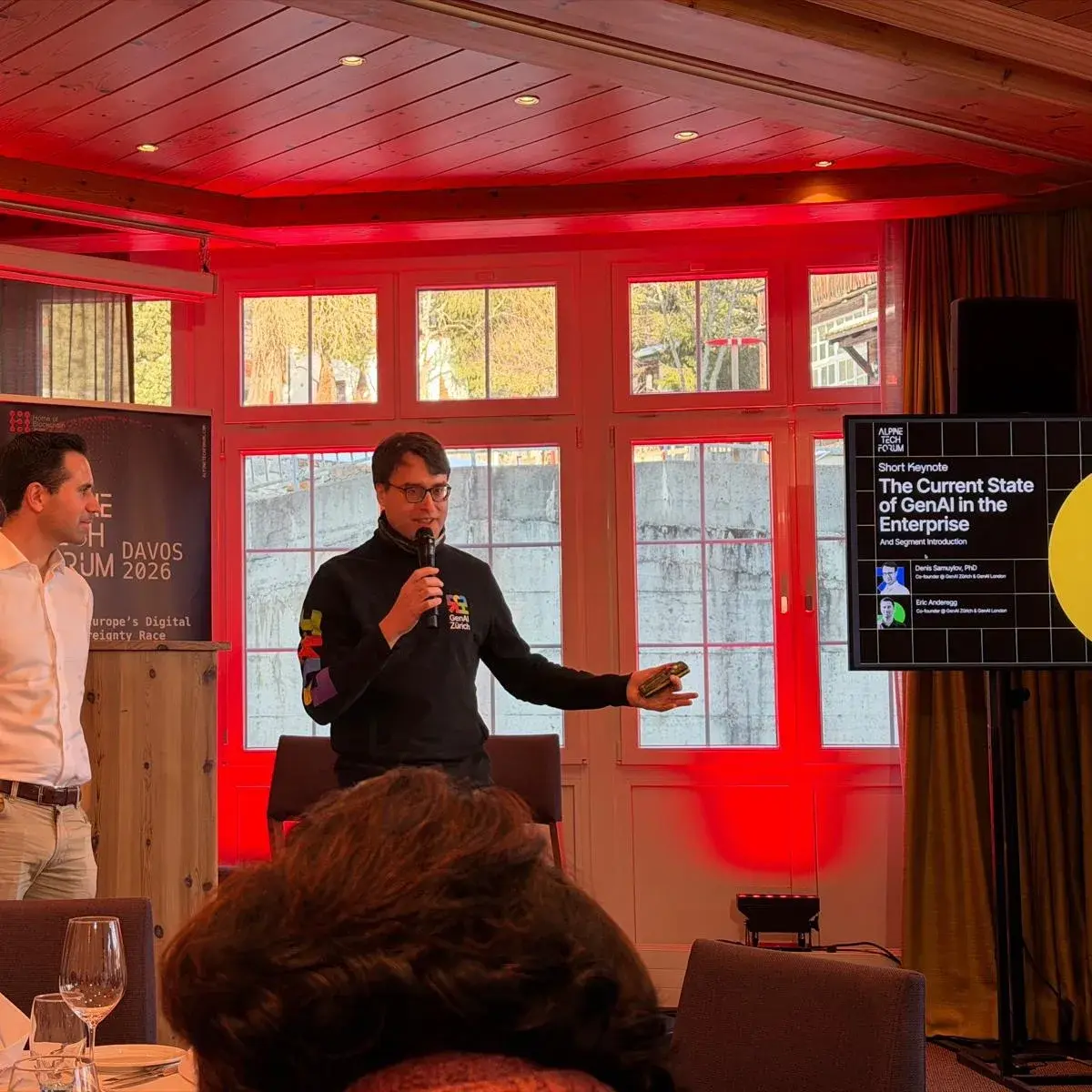
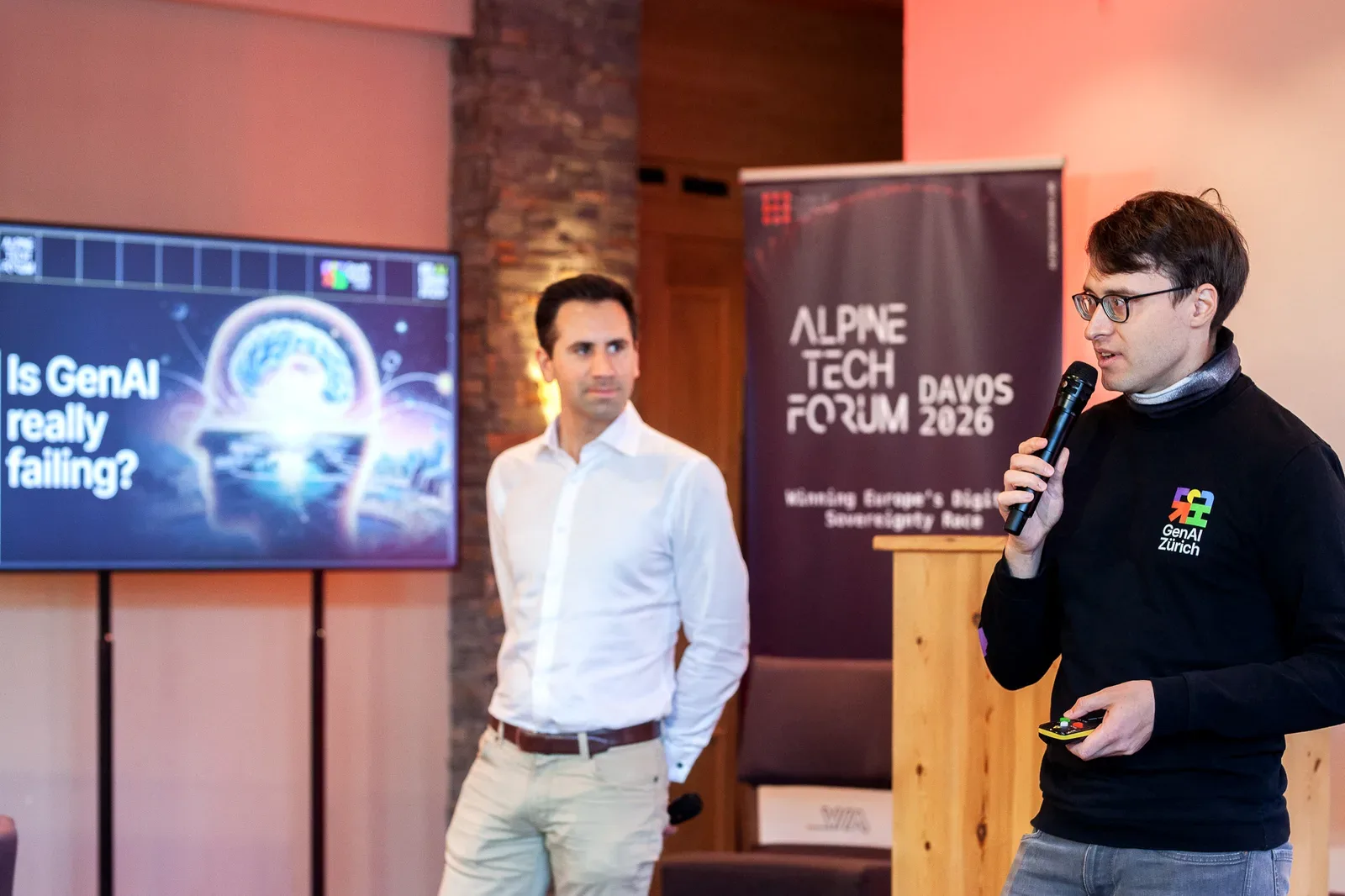
That was the thread of GenAI Is Eating Your Software, the session that opened Alpine Tech Forum (opens in a new tab) in Davos on 19 January 2026, the first day of the World Economic Forum. Denis Samuylov started it with a short keynote, The Current State of GenAI in the Enterprise, given together with Eric Anderegg, and introduced the discussion that followed.
Where AI pays off
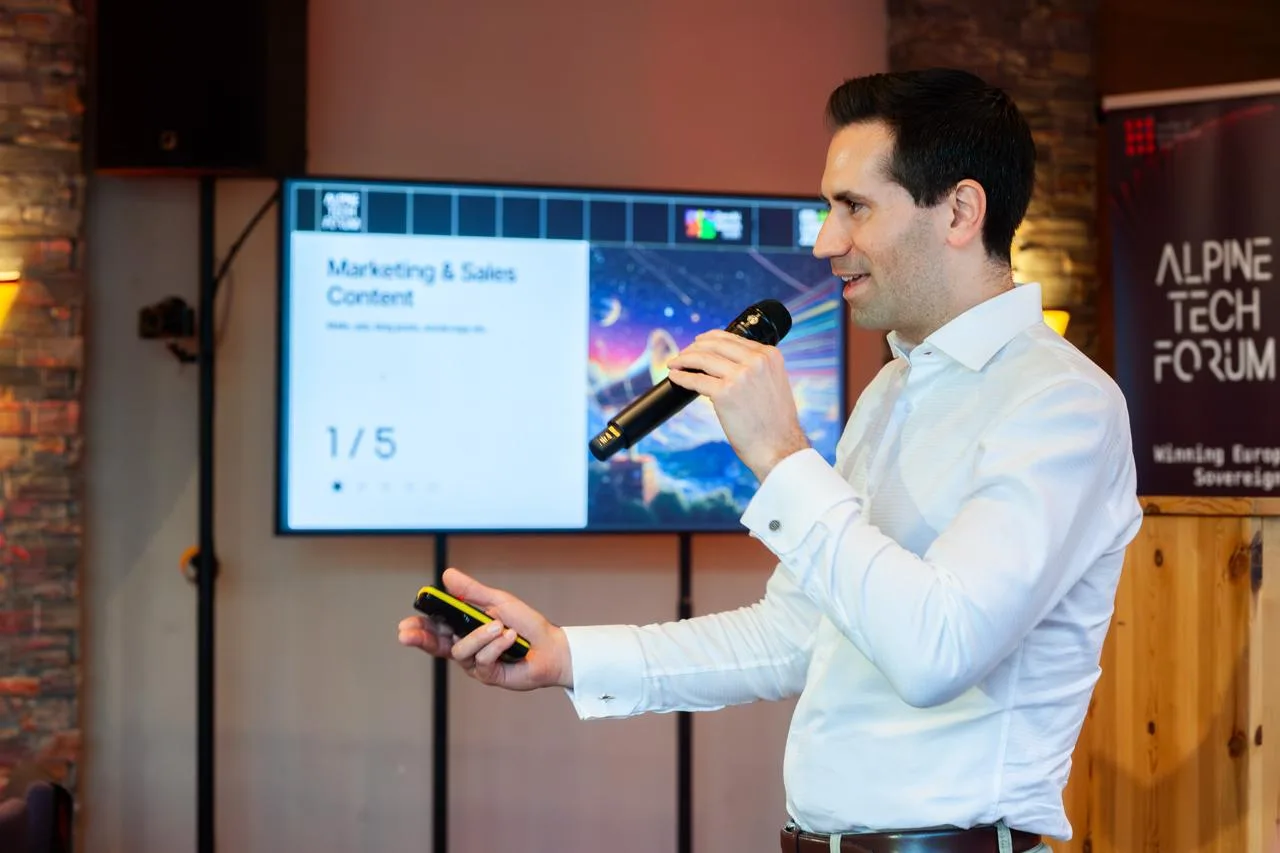
#The keynote ranked five categories of enterprise use cases, from lowest to highest value:
- Marketing and sales content
- Knowledge work and internal productivity
- Customer service and operations
- Back-office and core processes
- Software engineering and IT workflows
In the projects we see, software engineering and core processes return the most: work with clear inputs, a clear owner and results you can check. It is the same pattern as the boring use cases that work.
Cheap code, expensive software
#The panel that followed, with Hugo Venturini (SkipLabs (opens in a new tab)), Alexander Taboriskiy (Mentiora AI (opens in a new tab)), Dr. Petar Tsankov (LatticeFlow AI (opens in a new tab)) and Frederik Bonde (paterhn.ai (opens in a new tab)), took that ranking to its consequence. Code is cheap now. Software isn’t.
More generated code means more code to review. Static analysis, formal verification and model checking become the invisible backbone of an AI-assisted pipeline. Governance decides who is responsible for what reaches production.
What it means for your project
#Budget for verification as seriously as for generation. If AI doubles what your team can produce, check that review, testing and operations can keep up, and decide who owns the result before anything consequential ships.
Our ticket-change copilot is built this way: every new version is checked automatically against the cases the client’s experts listed before it ships.
Planning AI-assisted development? We help you size the review, testing and operating work alongside the build. See advisory & implementation, or Start a conversation.