Background
#This is our own product, built in 2021 on our founder’s PhD in computer vision and years of analysing biomedical images. We wanted to test one idea: that a model could learn to annotate microscopy images from a few quick marks by an expert, fast enough to keep the expert in the loop.
Challenge
#Before software can measure anything in a microscopy image, such as how many cells there are or how large they are, someone has to mark which parts of the image belong to which object. This step is called segmentation.
Cells and structures look very different from one instrument and sample to the next, so often only a specialist can say reliably what is what. Outlining every object by hand uses up expert time that should go into the analysis itself.
Our approach
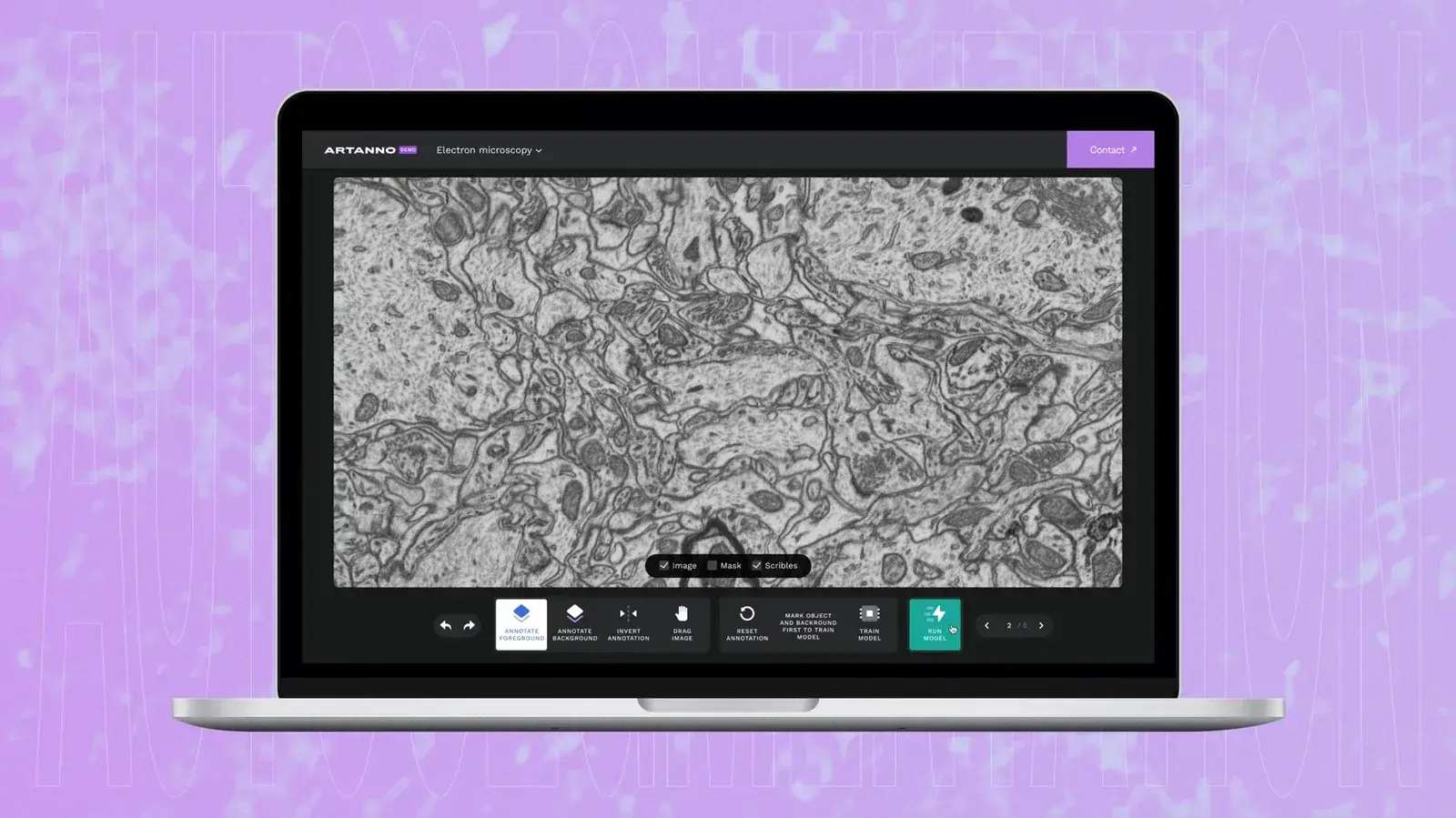
#Strokes, not outlines. The expert paints a few rough strokes on an image: one colour on the objects of interest, another on the background. The model learns from those strokes and outlines similar objects across the image.
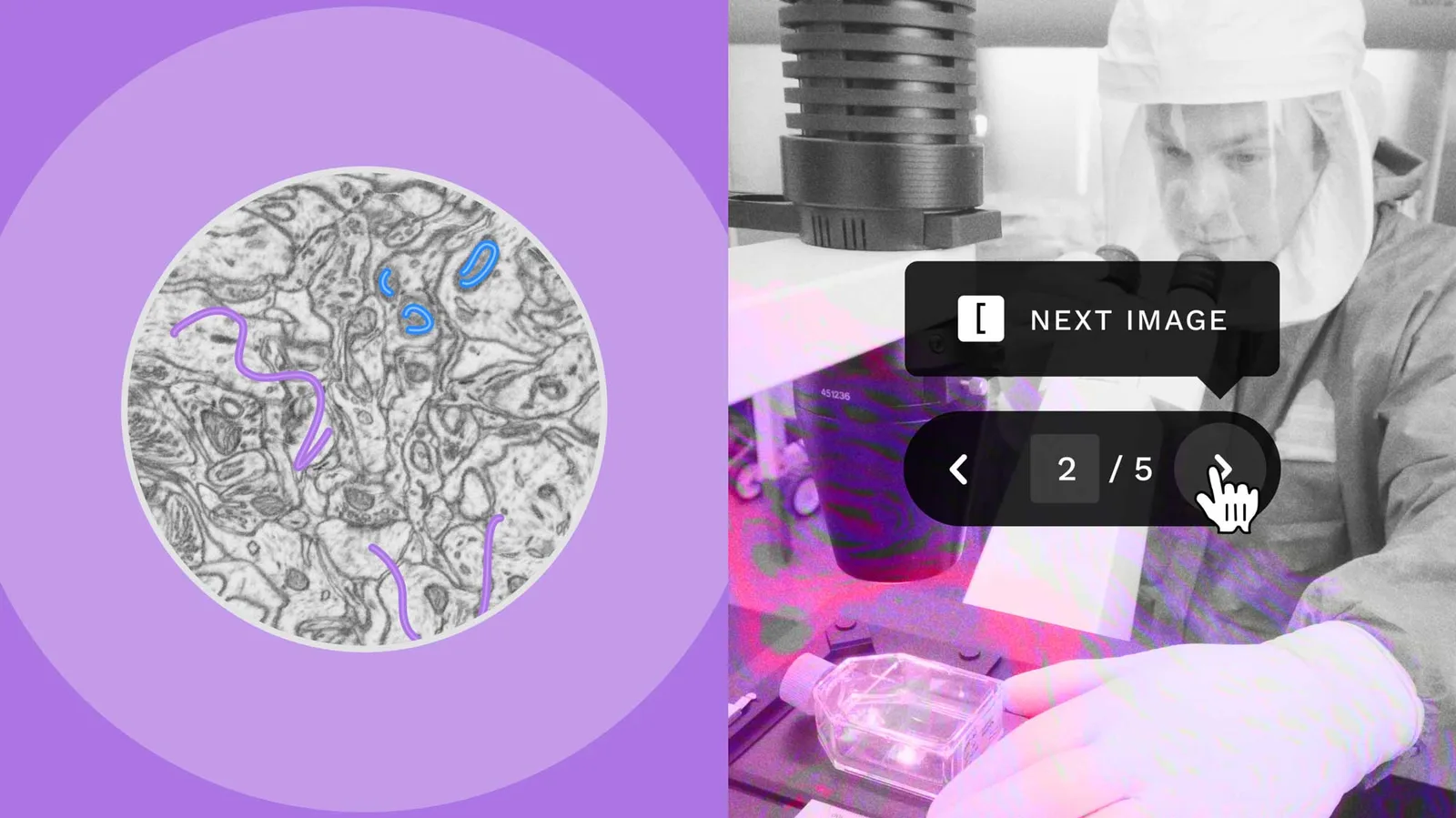
Fast enough to stay in the loop. A pre-trained neural network describes every point of the image once, in advance. When the expert adds strokes, only a small, fast model is retrained on them, so an update takes seconds rather than a full training run. A final step smooths the result into clean outlines that respect every stroke.
The expert has the final say. We worked out what the model needed from users and what they needed to see, designed a workflow for adding strokes, reviewing predictions and correcting errors, and tested it with users as mockups before building it.
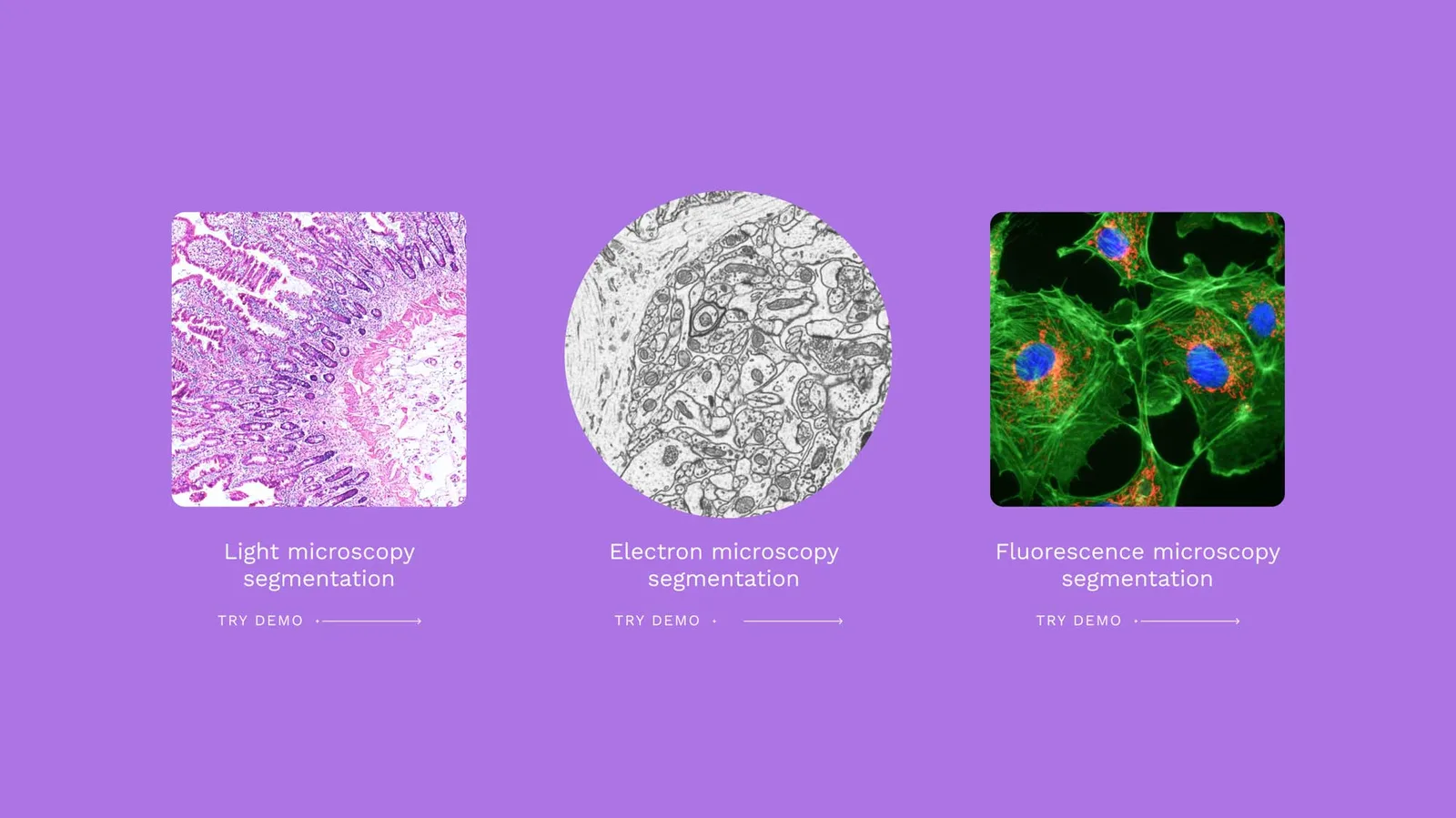
We built the workflow into a web application and demonstrated it publicly on three datasets covering light, electron and fluorescence microscopy.
“When we first saw the first results, we could not believe our eyes! The model required only a few scribbles to almost perfectly annotate an image. Instead of spending 30-60 min on a single image, we could get reasonable results in a few seconds.”
– Denis Samuylov, Founder at SamuylovAI
Results
#Seconds per update. In our evaluation, the model needed two to three updates per image, and each update took about seven seconds on average.
Review instead of drawing. Experts check and correct the generated outlines and add any objects the model missed, instead of drawing every object from scratch.
What transfers
#Spend expert time only where it is irreplaceable. A few strokes and a final check need specialist judgement. Drawing every outline does not.
Speed decides whether people stay in the loop. An update in seconds keeps an expert at the screen, correcting as they go; a long retraining sends them away. Here, that meant splitting the work between a heavy step done once in advance and a light model retrained on every change.
Design the review, not only the model. A workflow for checking and correcting predictions, tested with users before it is built, is what turns a model into a tool experts can work with.
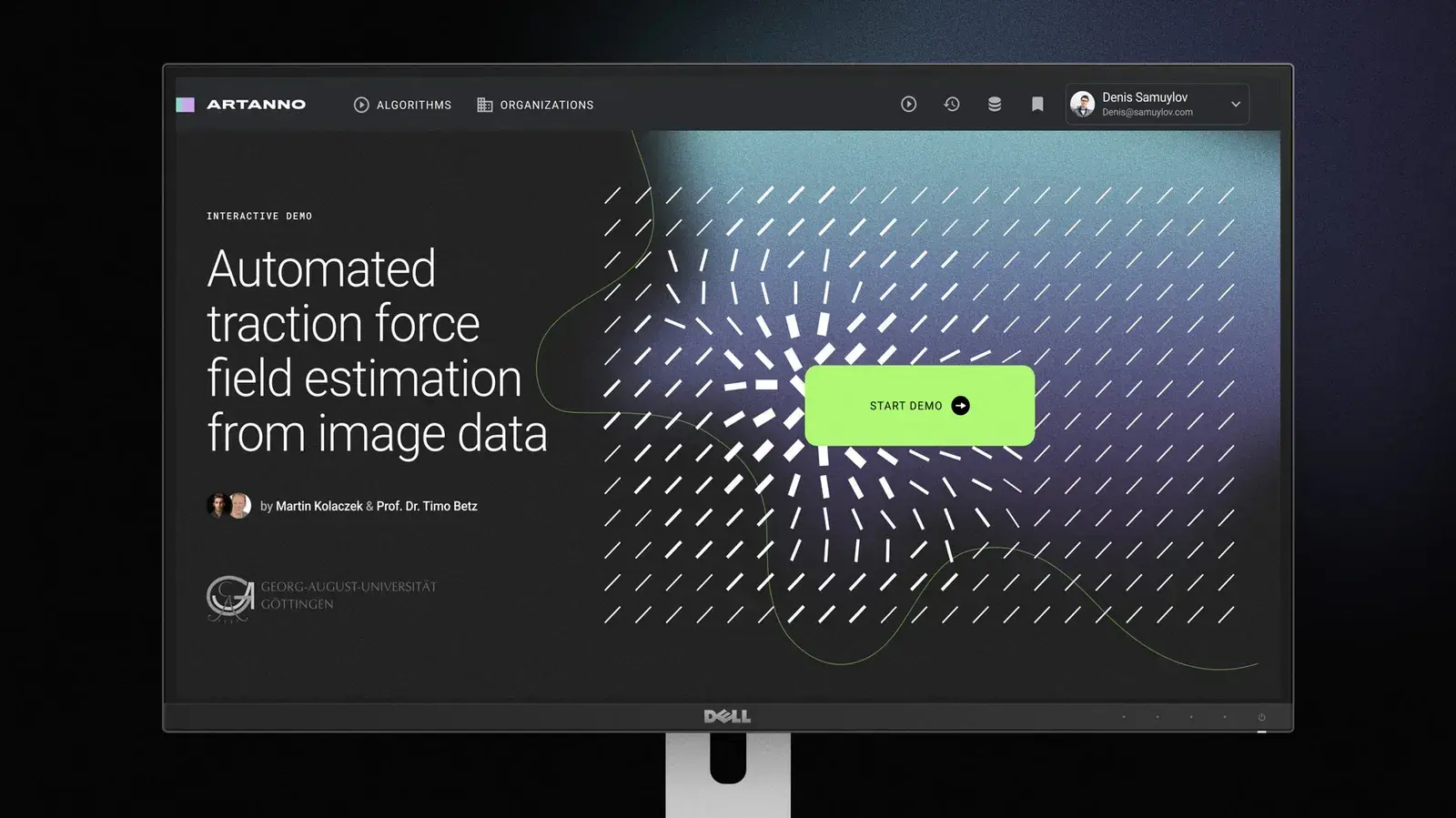
The same team went on to design a browser interface for a research lab’s traction-force algorithm.
Are your specialists spending hours on work a model could draft for them to check? We build the model and the review workflow around your experts. See Advisory & Implementation, or Start a conversation.